
CASE STUDY
Building a design system for government digitalisation at Bundesdruckerei
About design system “MUSE”
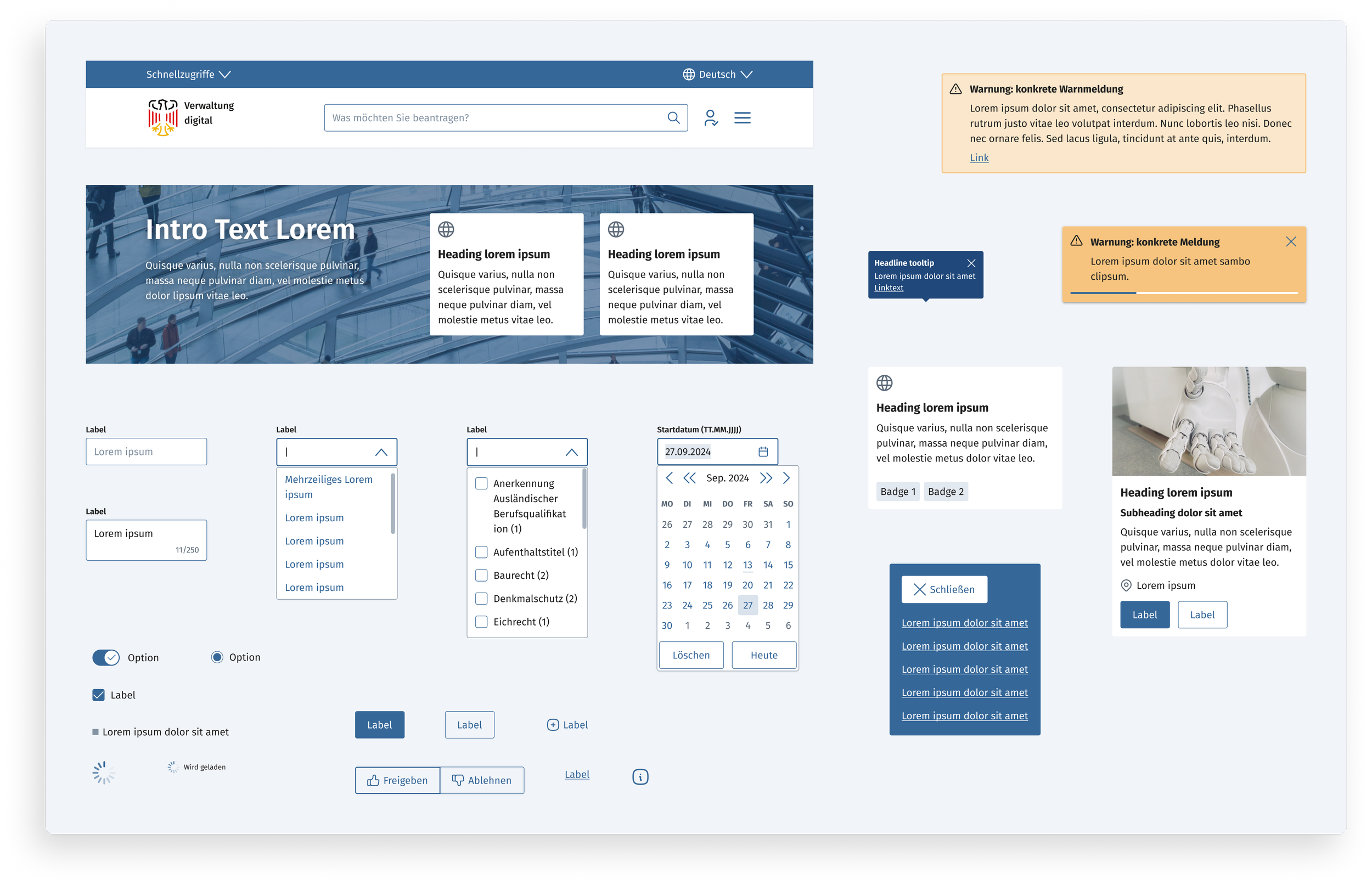
MUSE is a design system built internally for the Bundesdruckerei (bdr) to cover a variety of their digital projects and products. The starting point was the Bundesportal, an online portal to digitize government services and make them accessible to every citizen through a web browser. MUSE grew from there into a fully themeable and flexible system. Its focus is on government websites and portals - we provide an extensive set of form elements for example, and the required accessibility standards are built into our components from the get-go.
What’s great about MUSE?
Accessibility to BITV standard
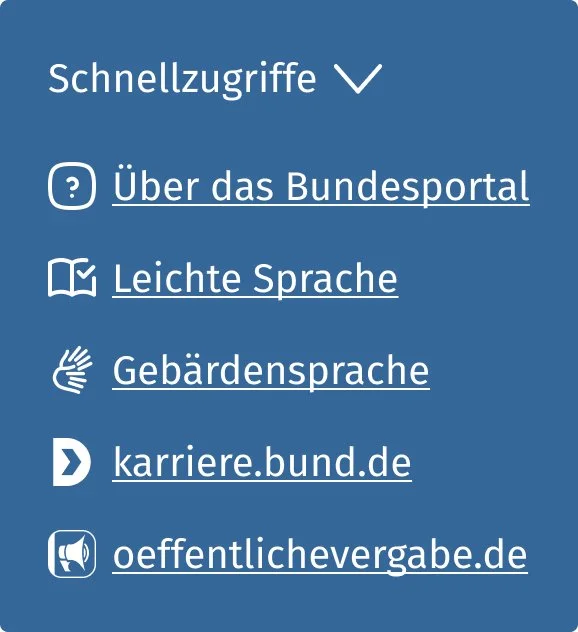
Every component of the design system is meticulously tested to pass BITV 2.0 accessibility standards. Our process includes accessibility reviews at the UX and the development stage and our results are confirmed by regular usability and accessibility tests by an external agency.
Fully responsive, mobile first
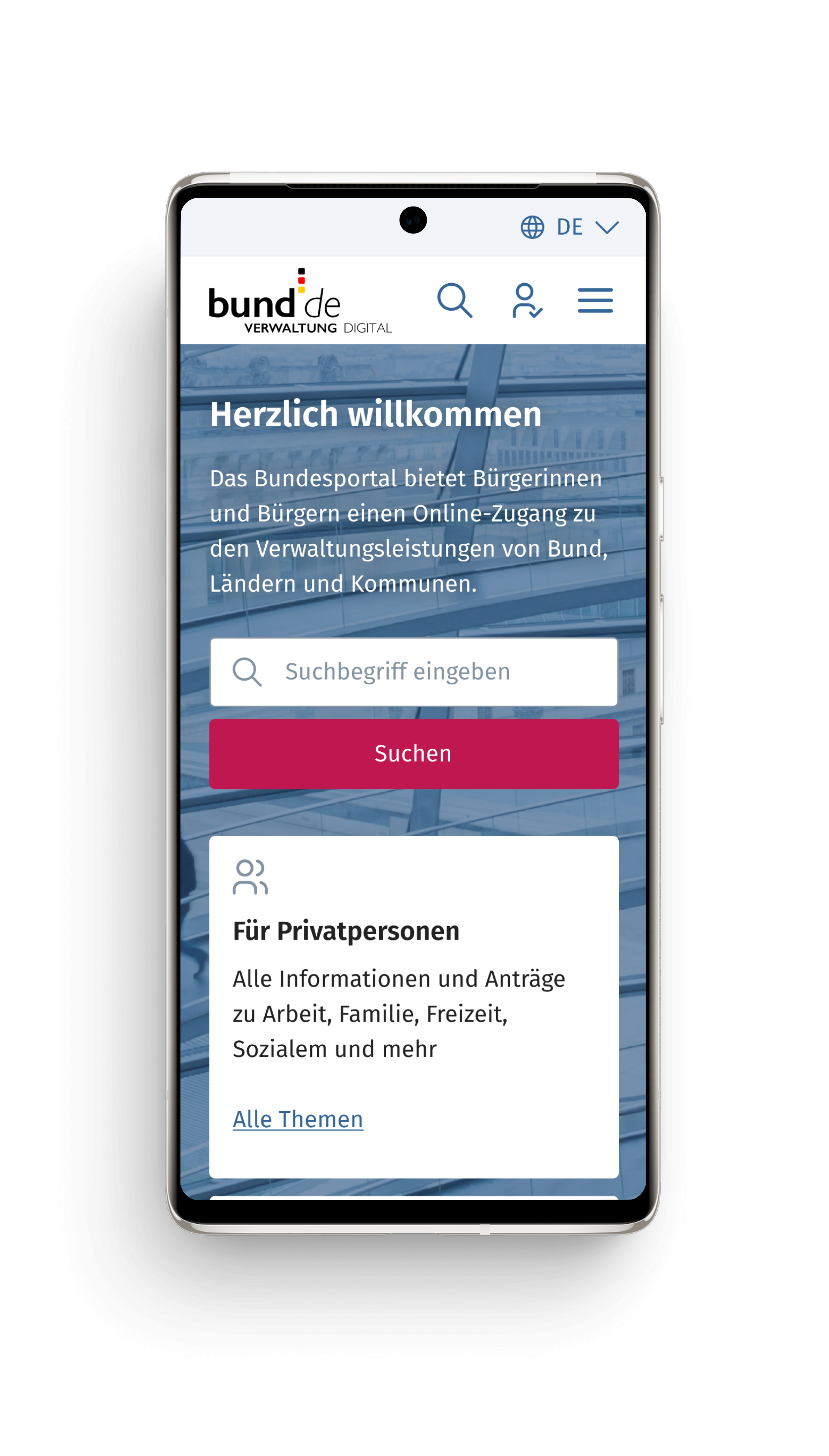
MUSE is built mobile first, guaranteeing a consistently comfortable user experience throughout all devices and viewports. We’ve taken special care to provide all functionality to every device, taking no shortcuts by reducing options for mobile users.
Developer-ready code component library
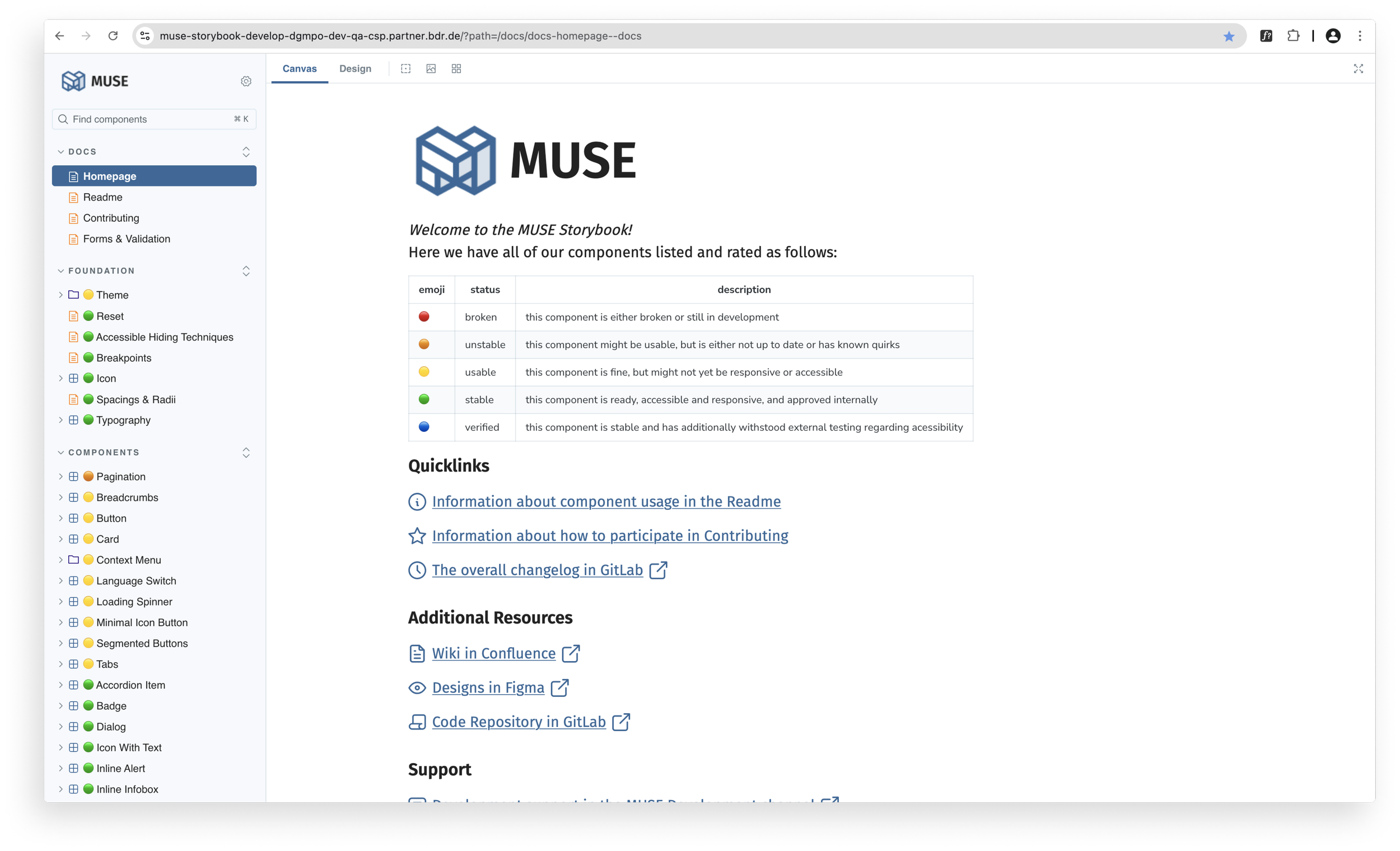
The design system consists of two main repositories: the Figma file for UX design and components and our storybook, which hosts an extensive library of code components, ready to be utilized by developers.
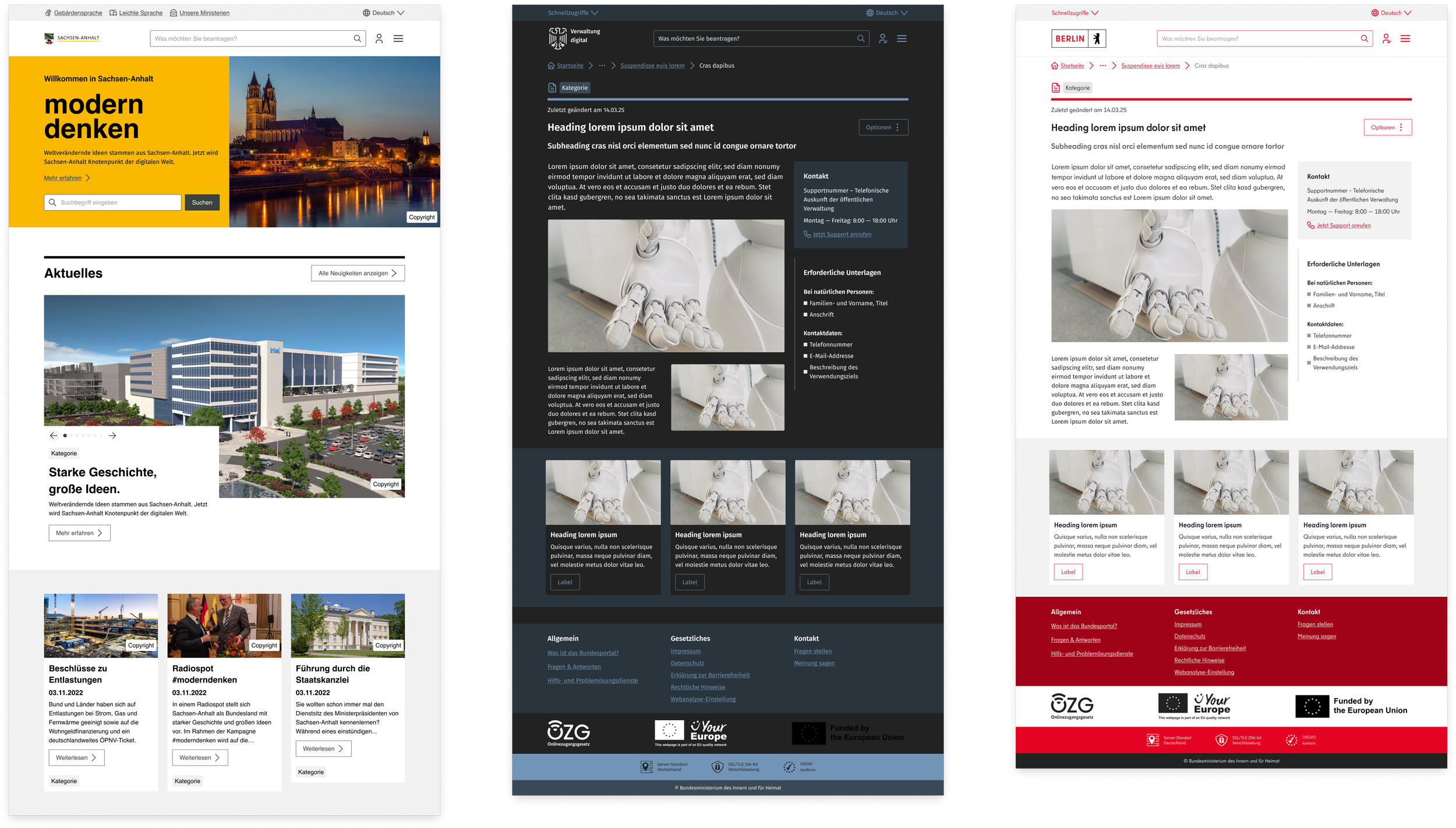
All themeable, all flexible
To facilitate flexibility and application opportunities, our design system is fully themeable. This includes a semantic color system including a set of interactive patterns, customizable font variables, an interchangeable icon set, adaptable page layouts and spacing all managed through variables.
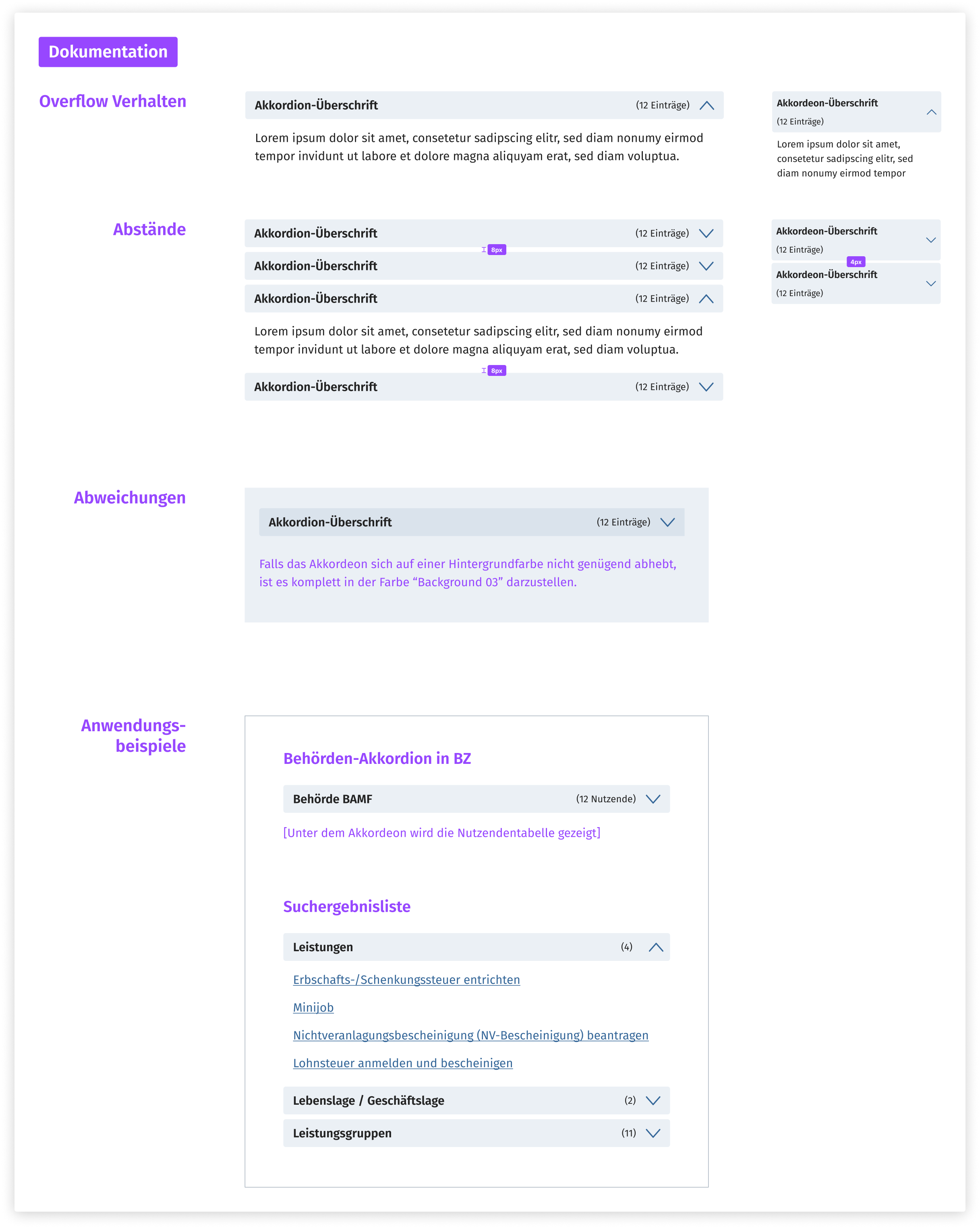
Well documented for UX and frontend
We meticulously document every aspect of our components to make sure there are clear guidelines for their usage in UX as well as development. Every detail is explained in word and image, but we make sure to keep everything flexible enough for the design system to be universally applicable to a wide variety of digital products.
Regularly tested on component level
We cooperate with a well-renowned external agency to conduct thorough usability testing on our components and the products built with them once a quarter. This enables us to check in with user needs and not lose sight of the big picture while working on single aspects of the design system. It also holds us to a high standard concerning user friendliness and comfort.

My role
I have been the lead designer on the project for two years now, building the design system from the ground up (the ground being a very vague collection of UI elements gathered from different parts of the existing website). I have been responsible for directing the design team working on MUSE (the size of that group varied from 2-5 people) as well as creating and maintaining components myself. I do accessibility checks on everything we build, UX and development reviews and have taken care of project communication intermittently. Seven squads of developers are currently working with the design system, each with individual needs and questions. I meet with them regularly, address their concerns and facilitate the communication with our MUSE development team.

Challenges
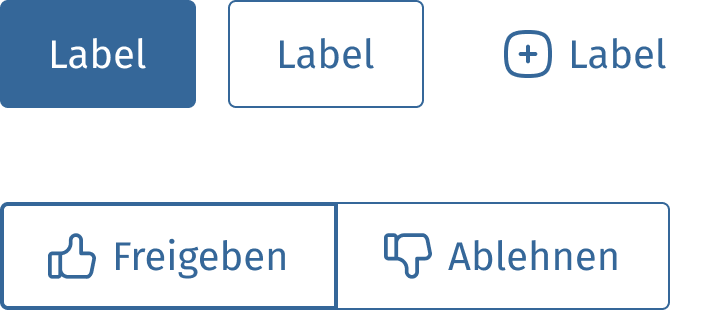
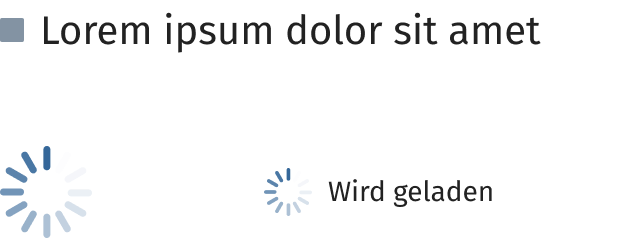
It’s difficult to build a fully BITV 2.0 accessible design system - you need to be careful about colour contrast, sizing and potential resizing of content, interactivity, screenreader access and so much more. Making this design system customizable and themeable brings a whole new level to this problem - how do you make sure that only accessible colours are used? Can we restrict component sizing or will that interfere with the necessary screen zoom levels? Finding solutions for every challenge that came up in the process of building MUSE was hard but has formed the resulting product into a the perfect mixture of flexibility and stability.
Convincing developers to use a design system can be a hard conversation. We had it over and over again and were able to showcase the advantages of our system and work with the needs of the development squads enough that we have found solutions that make everyone’s work easier, which was a very rewarding experience.